|

|
||||||

Download Free, Limited Trial VersionFrom this page, you can download a free, limited trial version of our Windows dictionary.The limited trial version allows you to experience the look and feel of the program: its fonts, features, and sound quality. The limited trial version has around 150 words per section.
Step 1: Download the InstallerRight-click on any of the following links and choose "Save Link As..." or "Save Target As..." to download the installer from our website to your computer:
ThaiDict_1_0_eval.exe (7 MB) - USA ServerYour web browser will ask you where you want to save the file. Save it to your Desktop. Tip: If you have any trouble downloading the file, especially if you have a slow or unreliable internet connection, please consult this section.
Step 2: Run the InstallerYou should now see an installer icon like this on your desktop:
Double-click on the icon to run the installer. The installer will install the free, limited trial version of the dictionary on your computer. At the end of the installation process, the installer will run the dictionary for you automatically. If you want to run the dictionary again, just double-click on the ThaiDict icon, which you can find on your desktop and in your start menu:
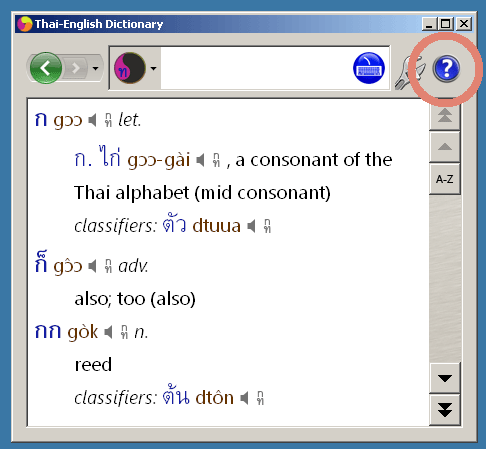
That's It!You can find complete information on how to use the dictionary software in the sofware's Help screens. Just start the dictionary and click this button:
When You're Ready To PurchaseWhen you're ready to purchase, click here:
|
|||||||
|
© 2003-2017 Word in the Hand™ Incorporated. All rights reserved.
Contact Us
|
|||||||